Text Expanders, Notes, and Links in SuperCommands
Use SuperCommands to save reusable text, notes, and link collections with folders, tags, shortcuts, and fast search.
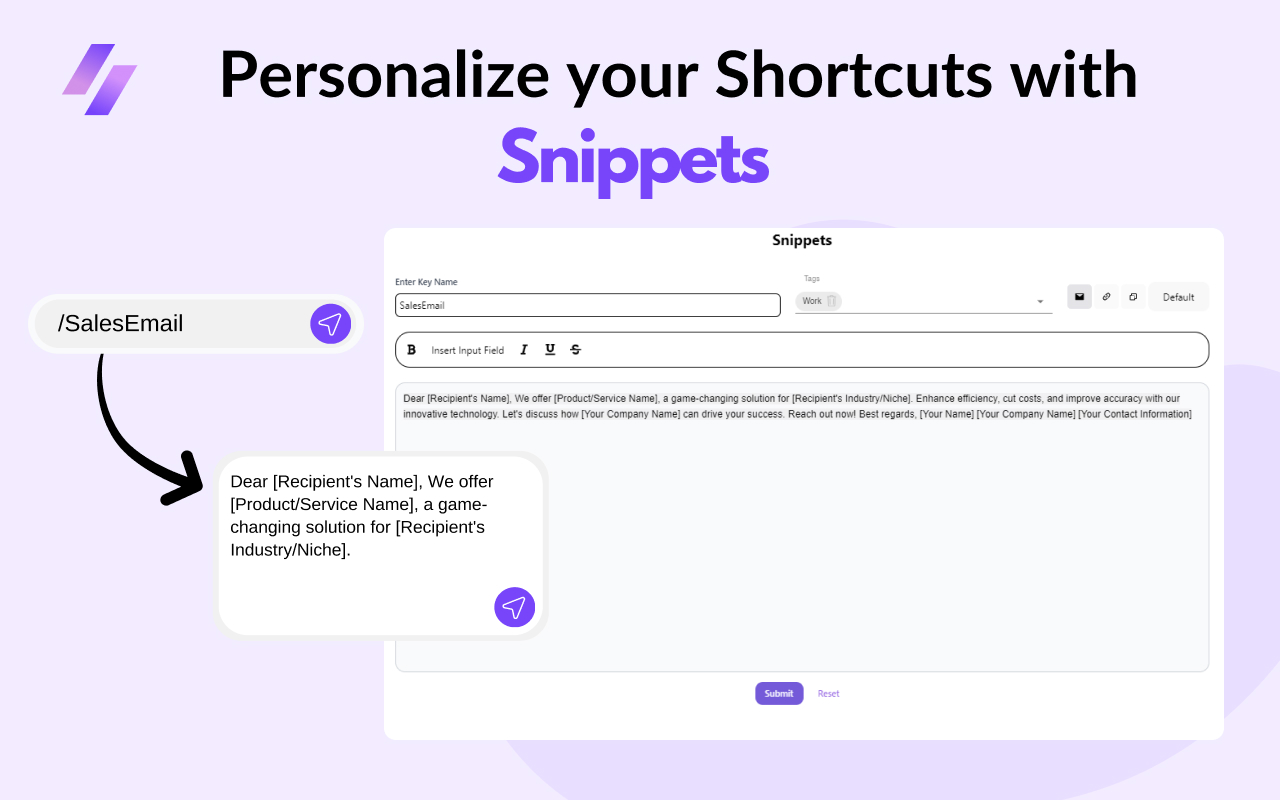
SuperCommands helps you keep reusable browser work close: saved text, quick notes, single links, and ordered collections of tabs or URLs. These are current SuperCommands objects that can be created, organized, searched, and opened quickly.
Text Expanders
Text Expanders save text you use often, such as email replies, signatures, report formats, or support responses. You can add formatting, variables, and a cursor position so the inserted text is ready to finish.
Notes
Notes store short text inside a workspace folder. Add a title, description, tags, and optional shortcuts so the note can be found later from search, Board View, or the Notes area.
Links
Links save one destination or a group of tabs and URLs. You can add sources from current tabs, history, bookmarks, saved files, or a custom URL, then reopen the saved Link from search or shortcuts.
Why It Helps
Instead of retyping the same text or rebuilding the same browser setup every day, SuperCommands gives each reusable item a name, a location, and a fast way back.